
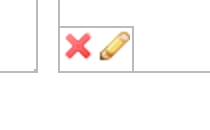
On the Job Inserts Review page you can choose to print your documents "duplexed", also known as double-sided. To accomplish this, simply click the pencil icon just underneath the document that you'd like to be printed on both sides, as shown here:
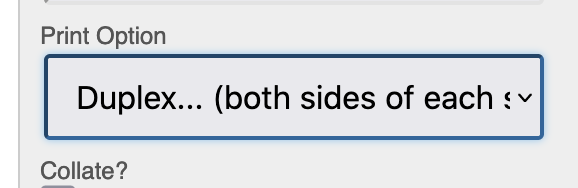
and then select duplex printing under the "print option" section:
 No results found